
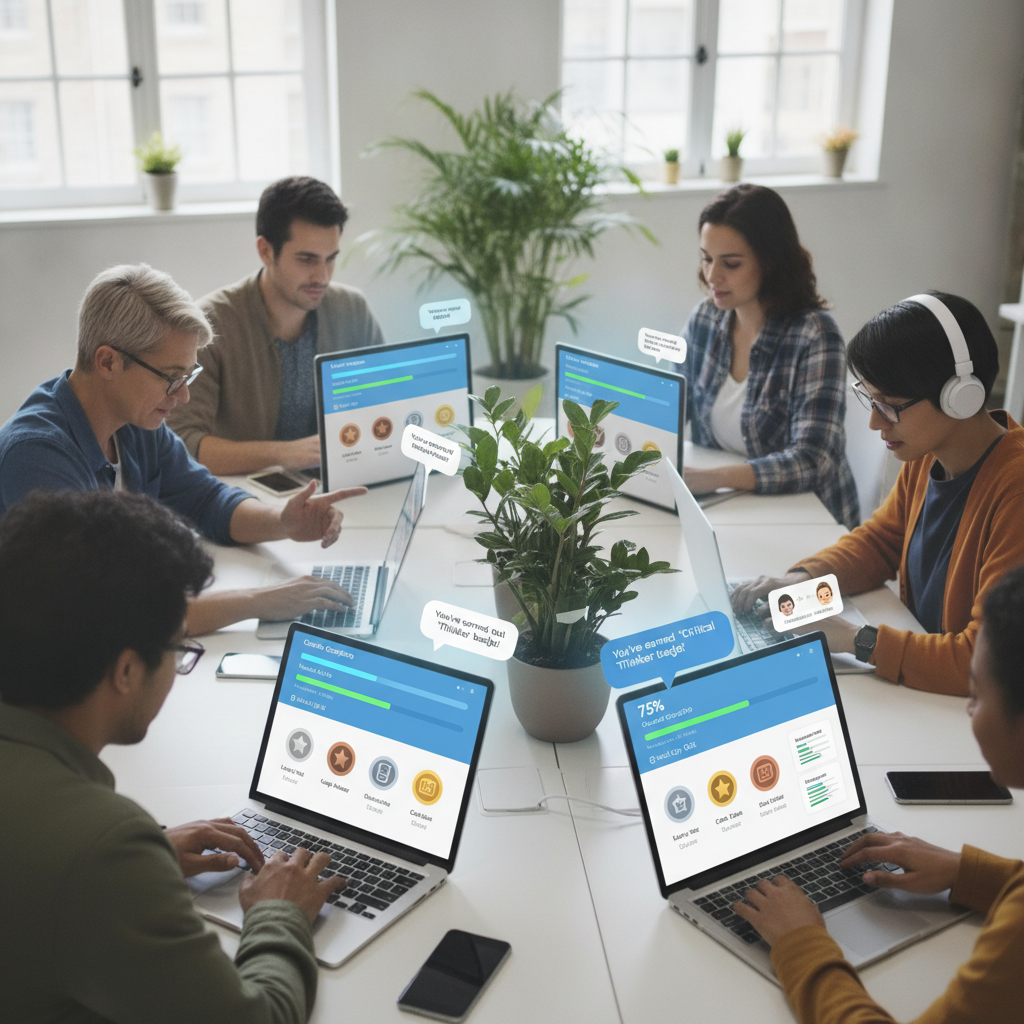
The Rise of Virtual Classrooms: Tools and Techniques for Success
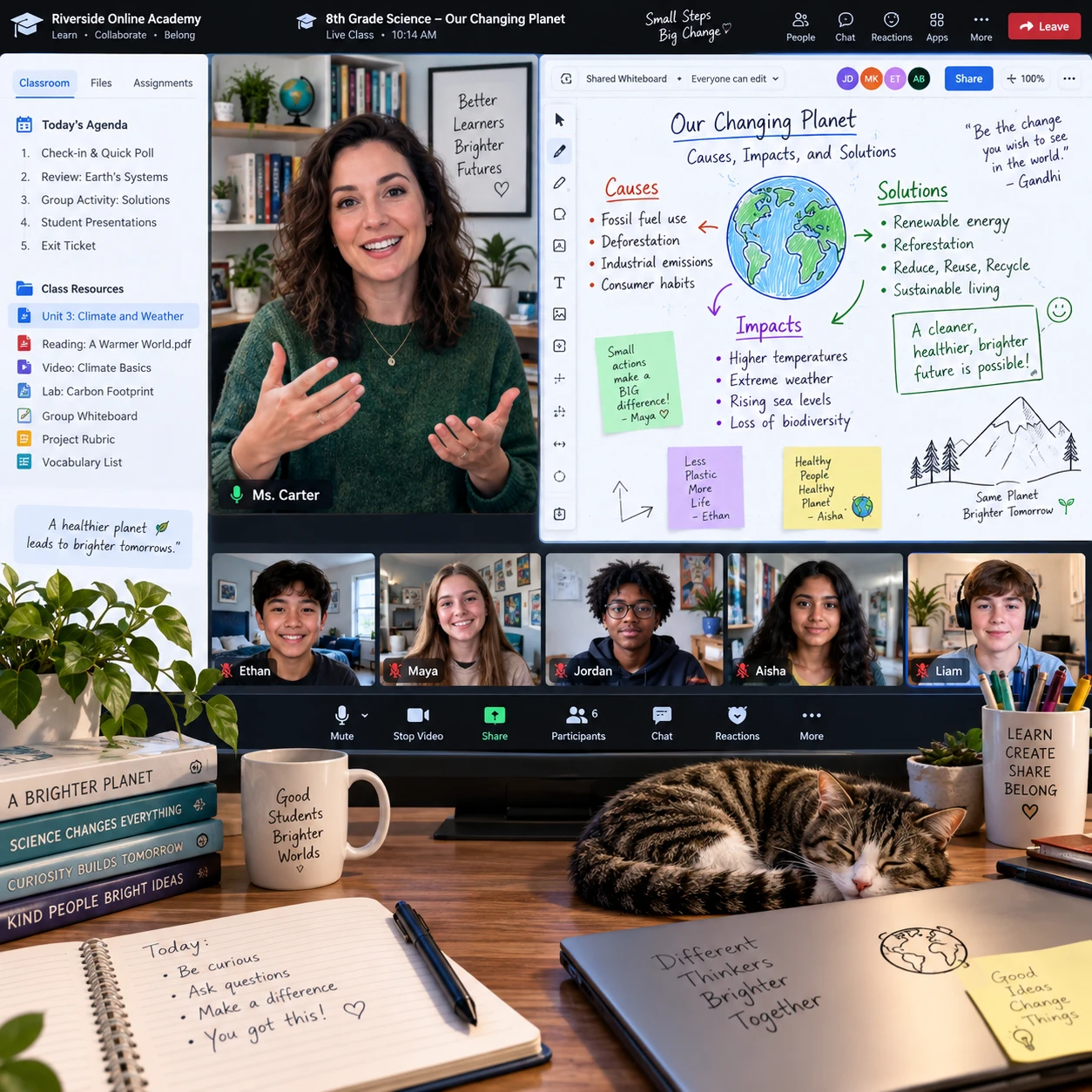
Virtual classrooms have become a regular part of how online schools teach, bringing educators and students together for live lessons, guided practice, and discussion. Their success depends less on using the newest technology than on choosing tools for clear learning purposes and building routines that help every student take part.
How virtual classrooms have become part of online school
Virtual classrooms let online schools combine scheduled, face-to-face-style lessons with independent learning and digital resources. This live and blended approach gives students a place to ask questions, practice skills, and connect with teachers while allowing time for self-paced work between sessions.
A virtual classroom may include a video meeting, a learning management system (LMS), shared documents, and recorded or downloadable materials. Each element serves a different purpose: video conferencing supports real-time interaction, while the LMS organizes assignments, announcements, feedback, and course content in one place.
Blended learning does not mean every activity needs to happen live. A short teacher-led explanation might be followed by an offline reading, a small-group task, or an LMS quiz. This mix can give students more flexibility, though it requires clear instructions about where to find work and when to submit it.
For educators, the shift is as much about lesson design as technology. A virtual classroom works best when students know what they are learning, how to participate, and where to get help. Consistent routines can make an online school feel more connected without pretending that a screen replaces every benefit of in-person interaction.
Essential tools for a successful virtual classroom
A successful virtual classroom uses a small set of reliable tools: video conferencing for live instruction, an LMS for course organization, and interactive resources for practice and collaboration. Choose each tool according to what students need to do, not simply because it offers many features.
- Video conferencing: Live audio and video help teachers explain concepts, read questions, and hold discussions. Use clear meeting links, captions when available, and simple participation options such as chat or a raised hand.
- Learning management system: An LMS gives students a dependable home for schedules, lesson materials, assignment instructions, and feedback. A predictable layout reduces the time spent searching for work.
- Interactive whiteboards and shared documents: These tools let learners show their thinking, annotate examples, solve problems together, or contribute ideas at the same time.
- Digital learning materials: Accessible readings, short videos, practice activities, and downloadable files support review and flexible pacing. Keep materials organized and make file formats easy to use on different devices.
More tools can create more setup, logins, and troubleshooting. Before adding a platform, ask what learning activity it enables and whether the LMS or video conferencing system already does the job. For guidance on designing inclusive digital experiences, educators can consult the U.S. Department of Education’s accessibility resources.
Teaching techniques that keep students engaged
Teachers keep students engaged online by making lessons easy to follow and giving learners frequent, low-pressure ways to participate. A clear structure, varied activities, and brief check-ins help students stay involved without requiring them to remain on camera or speak continuously.
Start with a short opening that states the goal and shows the lesson sequence. For example: “We’ll review the idea, try two examples together, then work in pairs.” Students can better manage their attention when they know what is coming and how long each activity will last.
Break explanations into manageable sections, then ask students to do something with the information. They might answer a poll, add a label to an interactive whiteboard, explain a solution in chat, or discuss a prompt in a small group. These actions give the teacher useful feedback and help learners retrieve and apply what they have learned.
Regular check-ins should be specific and easy to answer. Instead of asking only “Does everyone understand?”, try a one-question quiz or ask students to rate their confidence from one to five. Offer more than one response method, since a student may be ready to type but not speak aloud.
Plan for participation, not performance. A quiet student may be following the lesson closely, while a visible response does not always prove understanding. Use a mix of verbal, written, and independent activities to make learning visible in different ways.
Building connection and collaboration online
Online collaboration grows when students have clear roles, a shared task, and dependable routines for listening and responding. Discussion boards, breakout rooms, and shared workspaces can support a classroom community when teachers structure how students use them.
For group work, keep the task focused and give each student a contribution to make. In a literature discussion, one learner might identify a key passage, another might ask a question, and a third might connect the text to the lesson theme. Rotate roles over time so students practice different skills rather than settling into fixed responsibilities.
Classroom routines also build connection. A brief welcome, a predictable way to ask for help, and a closing reflection can make live sessions feel less transactional. Teachers can invite students to share an idea, question, or learning highlight without making personal disclosure a requirement.
Feedback matters in online school because students may have fewer informal chances to check their understanding. Give comments that identify a successful choice and a next step, then provide time to use that feedback. Peer review can help too, provided students have a simple rubric and guidance on respectful, useful responses.
Digital citizenship belongs in these routines. Teach students to protect personal information, communicate respectfully, credit sources, and use chat or shared documents for learning. Expectations should be explicit, especially when students are new to online collaboration.
Addressing common virtual classroom challenges
Virtual classroom challenges are easier to manage when teachers plan for distraction, uneven access, technical problems, and screen fatigue before they interrupt learning. A flexible participation plan and clear backup options can keep students included when a live session does not go as expected.
- Distraction: Use shorter activity cycles and visible instructions. Ask students to close unrelated tabs when possible, but avoid assuming that every interruption is within their control.
- Access needs: Provide captions where available, readable materials, keyboard-friendly activities, and more than one way to respond. Share important instructions in writing as well as aloud.
- Technical difficulties: Post meeting links and materials in the LMS, explain what students should do if they lose connection, and offer an alternative such as a lesson recording or written task when appropriate.
- Screen fatigue: Mix live instruction with offline reading, movement breaks, paper-based work, or audio activities. A live video meeting is useful for interaction, but it is not the right format for every lesson.
Accessibility is an ongoing design practice, not a last-minute accommodation. Ask whether students can access the lesson on different devices and with assistive technology, and invite them to tell you when a format creates a barrier. Needs vary, so a single solution will not suit every learner.
A practical framework for getting started
To start a virtual classroom, define the learning goal, choose the fewest tools needed, set participation expectations, teach the lesson with active practice, and review student feedback. This sequence keeps technology in service of learning rather than allowing the platform to dictate the class.
- Choose the learning goal. Decide what students should know or be able to do by the end of the lesson. A specific goal makes tool choices easier.
- Match tools to tasks. Use video conferencing for discussion or demonstration, the LMS for materials and deadlines, and an interactive whiteboard when students need to show or develop ideas together.
- Set expectations. Explain how students can ask questions, submit work, participate without speaking, and get help if technology fails. Keep these directions easy to find.
- Teach, then check. Alternate explanation with practice and use a quick check for understanding before moving on. Adapt the pace when responses show that students need another example.
- Review and adjust. Look at student work, attendance patterns, questions, and brief feedback. Keep what supports learning; simplify tools or routines that add effort without a clear benefit.
For example, a teacher introducing fractions might explain a model in a video session, invite students to annotate examples on a shared board, then assign a short LMS practice activity. Students who cannot join live can use the posted materials and submit the same practice work, preserving a route to the learning goal.
Virtual classroom questions, answered
Virtual classroom questions often come down to choosing a few dependable tools and making participation flexible. These answers offer a practical starting point for online school teachers and students.
What tools are essential for a virtual classroom?
Most virtual classrooms need video conferencing, an LMS, and a way to share or create learning materials. Interactive whiteboards and collaboration tools are useful when a lesson calls for shared problem-solving, but they are optional when simpler tools meet the goal.
How can teachers keep students engaged online?
Use a clear lesson plan, short explanations, varied activities, and regular checks for understanding. Offer different ways to contribute, such as speaking, chat, polls, or written work, so participation does not depend on one communication style.
How can students participate more confidently in virtual classes?
Students can review the lesson goal and materials ahead of time, use chat or a written question when speaking feels difficult, and ask the teacher how to contribute in small-group activities. Teachers can support confidence by giving wait time and treating mistakes as part of practice.
How can an online school make virtual classrooms accessible?
An online school can provide captions, readable and well-organized materials, keyboard-accessible activities, and multiple ways to participate. It should also offer clear alternatives for connectivity problems and review accessibility needs with students rather than relying on assumptions.